What happens and when
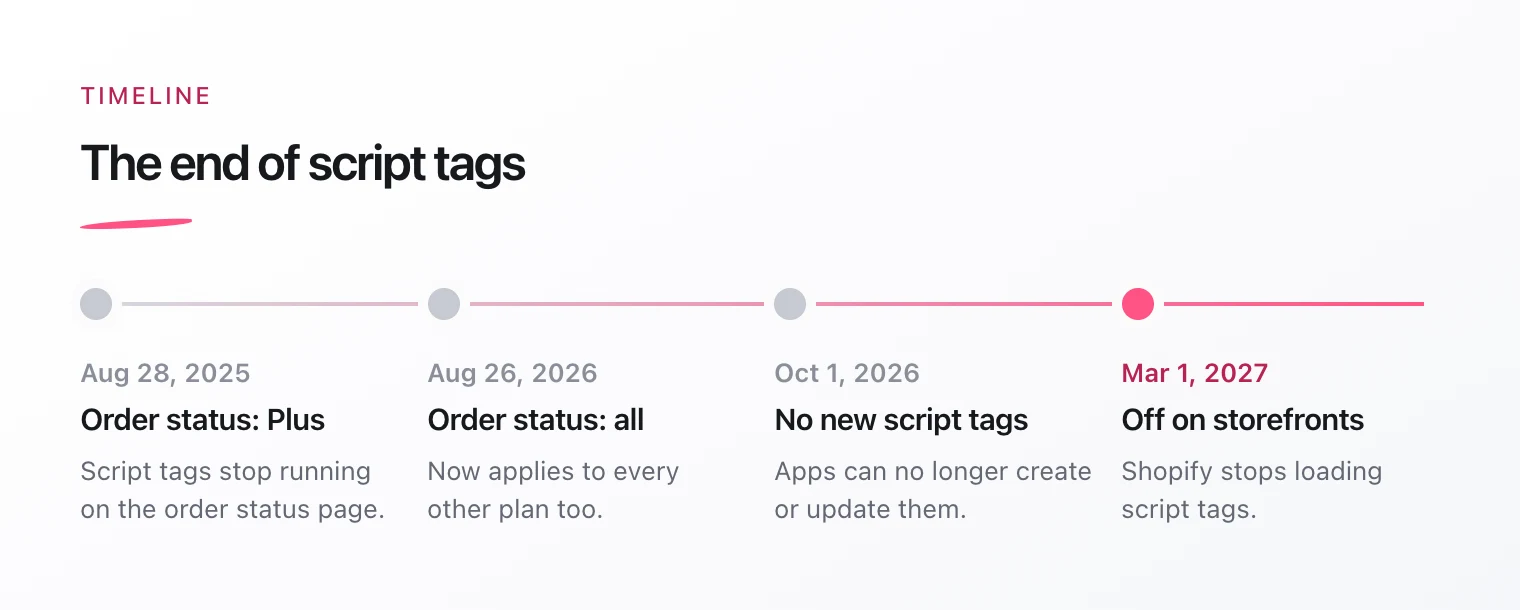
- Since October 1, 2026, apps can no longer create new script tags or update existing ones. Existing ones keep running for now.
- From March 1, 2027, Shopify stops adding script tags to online stores.
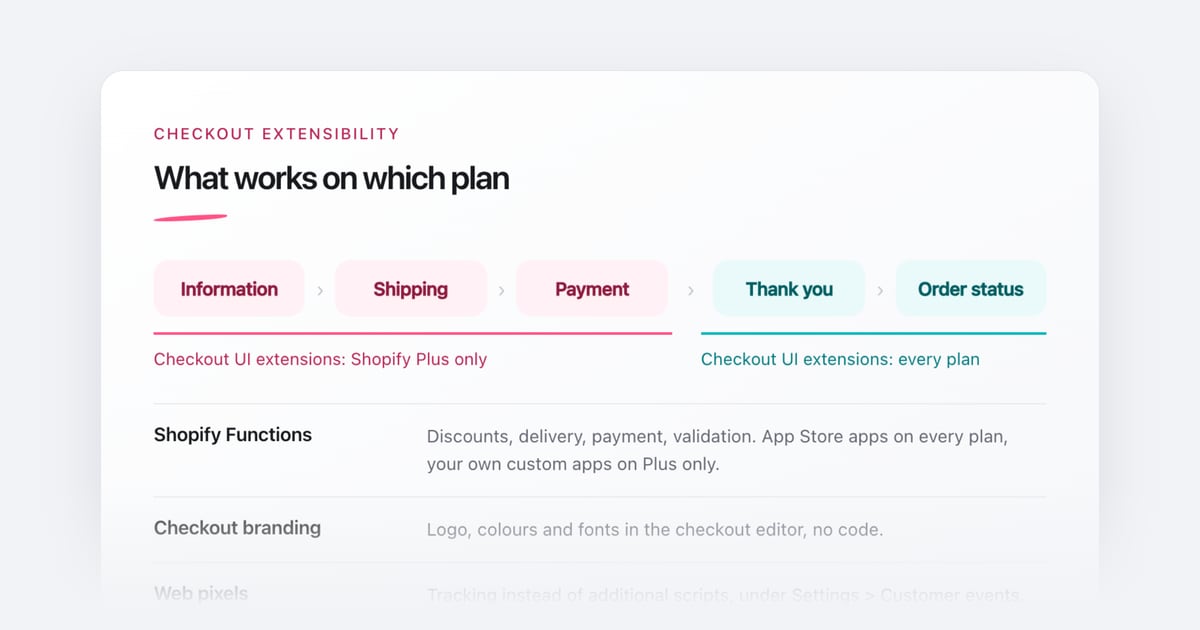
- On the order status page, script tags have already been switched off: on Shopify Plus since August 28, 2025, on all other plans since August 26, 2026.
This affects, for example, review widgets, chats, pop-ups or tracking that an app loads this way.
Why Shopify is doing this
A script tag loads code from an external address. As a merchant you can’t see that code and you can’t switch it off in the theme editor. The successor is app embeds: they appear in the theme editor, you can turn them on and off, and the code ships versioned together with the app.
How to check whether your store is affected
- List every installed app that shows something in your store or tracks something.
- Open the App embeds area in the theme editor. Apps that appear there already use the new approach.
- Look at the source of your home page. Files loaded through script tags usually appear in a list inside a function called
asyncLoad. The URLs often reveal which app they belong to. - For apps you can’t identify, ask the vendor whether and when they will switch.
What you can do
- Use app updates: many vendors are moving to app embeds. Afterwards you usually have to turn the embed on in the theme editor yourself. App embeds are enabled per theme, so check again after switching themes.
- Find a replacement: if an app is no longer maintained, now is the right time to look for an alternative.
- Rebuild your own apps: if a custom app for your store uses script tags, its code has to move into a theme app extension with an app embed. Pure tracking scripts belong in a web pixel.
Code that sits directly in your theme, for example in theme.liquid, is not affected. That is not a script tag and keeps running.